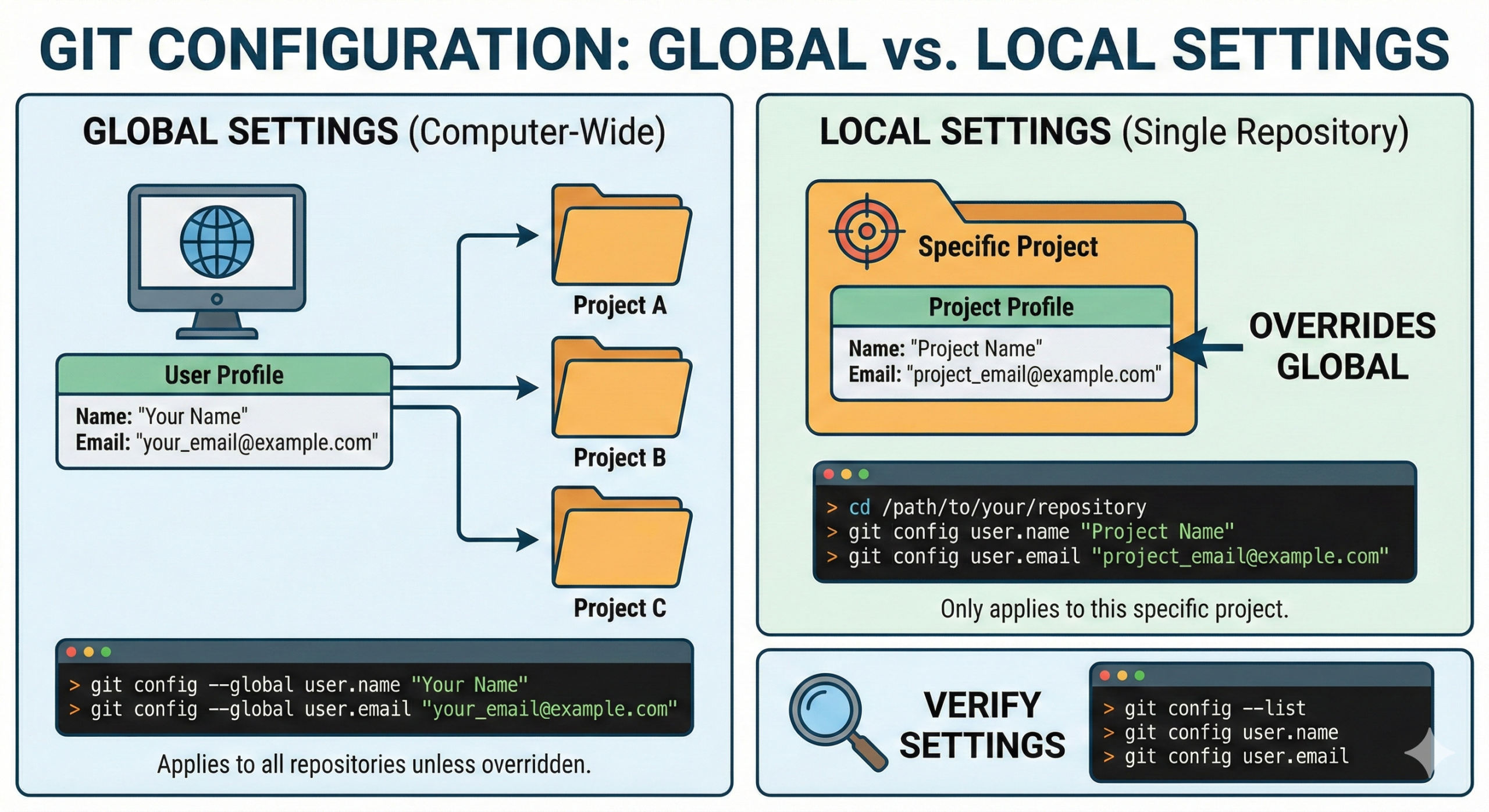
[root@test /]# df -h
檔案系統 容量 已用 可用 已用% 掛載點
/dev/hda3 3.6G 1.2G 2.3G 34% /
/dev/hda1 99M 9.9M 84M 11% /boot
tmpfs 125M 0 125M 0% /dev/shm
/dev/mapper/Volgroup01-home
7.4G 140M 7.1G 2% /home
縮小 LV 一定要先 umount /home
[root@test /]# umount /home
縮小 LV 前也一定要做一次 fsck, 保持檔案系統的一致性
[root@test /]# fsck -f /dev/Volgroup01/home
fsck 1.39 (29-May-2006)
e2fsck 1.39 (29-May-2006)
Pass 1: Checking inodes, blocks, and sizes
Pass 2: Checking directory structure
Pass 3: Checking directory connectivity
Pass 4: Checking reference counts
Pass 5: Checking group summary information
/dev/Volgroup01/home: 11/983040 files (9.1% non-contiguous), 66537/1966080 blocks
想到縮小到 5G 容量
[root@test /]# resize2fs /dev/Volgroup01/home 5G
resize2fs 1.39 (29-May-2006)
Resizing the filesystem on /dev/Volgroup01/home to 1310720 (4k) blocks.
The filesystem on /dev/Volgroup01/home is now 1310720 blocks long.
[root@test /]# lvresize /dev/Volgroup01/home -L 5G
/dev/cdrom: open failed: 唯讀的檔案系統
WARNING: Reducing active logical volume to 5.00 GB
THIS MAY DESTROY YOUR DATA (filesystem etc.)
Do you really want to reduce home? [y/n]: y
Reducing logical volume home to 5.00 GB
Logical volume home successfully resized
[root@test ~]# mount /home/
[root@test /]# df -h
檔案系統 容量 已用 可用 已用% 掛載點
/dev/hda3 3.6G 1.2G 2.3G 34% /
/dev/hda1 99M 9.9M 84M 11% /boot
tmpfs 125M 0 125M 0% /dev/shm
/dev/mapper/Volgroup01-home
5.0G 236M 4.7G 5% /home